Salesforce reports are data listings created using specific criteria and filter settings within your CRM. Creating reports manually from scratch for every org is time-consuming and error-prone. This causes significant issues for Salesforce admins and developers, especially when managing multiple orgs with numerous reports.
Why Clone Salesforce Reports Between Your Orgs?
Cloning Salesforce Reports enables your team to avoid recreating reports from scratch for each org and helps maintain consistency. Clone Salesforce Reports between orgs also helps your team save time and effort, ensuring maximum productivity.
Step-by-Step Guide to Clone Salesforce Reports using migSO
Click “App Launcher” and search & select migSO.
Now click migSO “Clone Wizard” tab.
Select the Metadata item to clone (e.g., Reports).
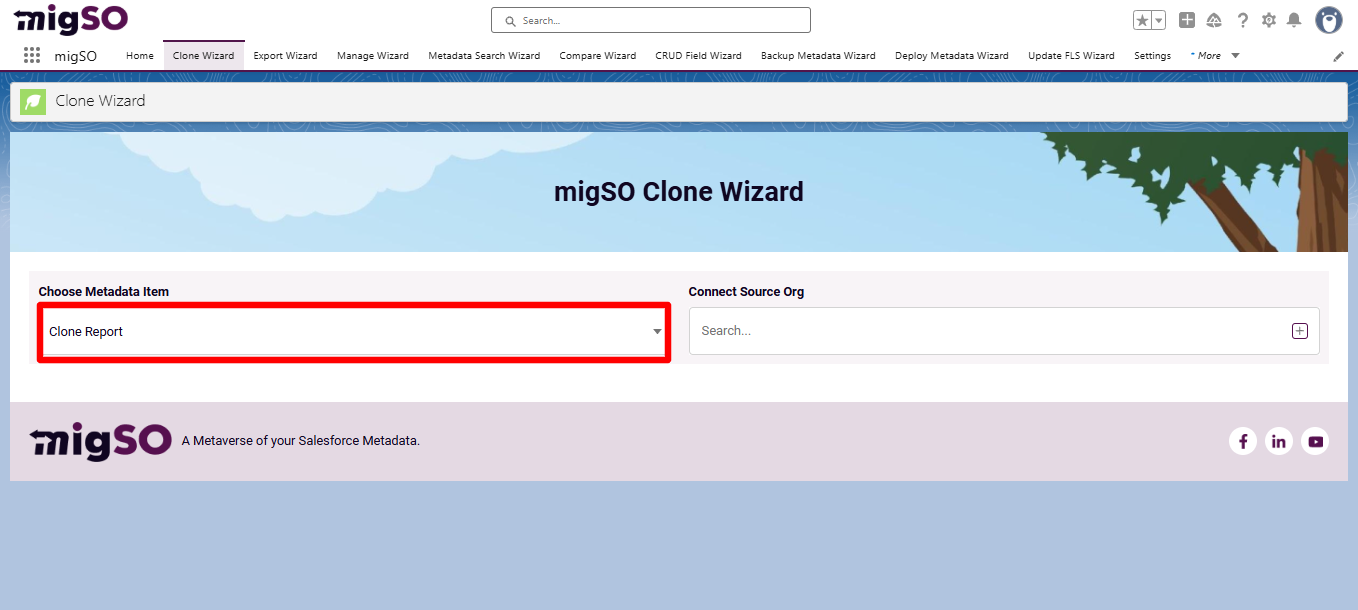
Connect the source org or add a new one. To add a new org, click on the ‘+’ icon, enter details like org name, user name, password, and security token, and click on the Save button.
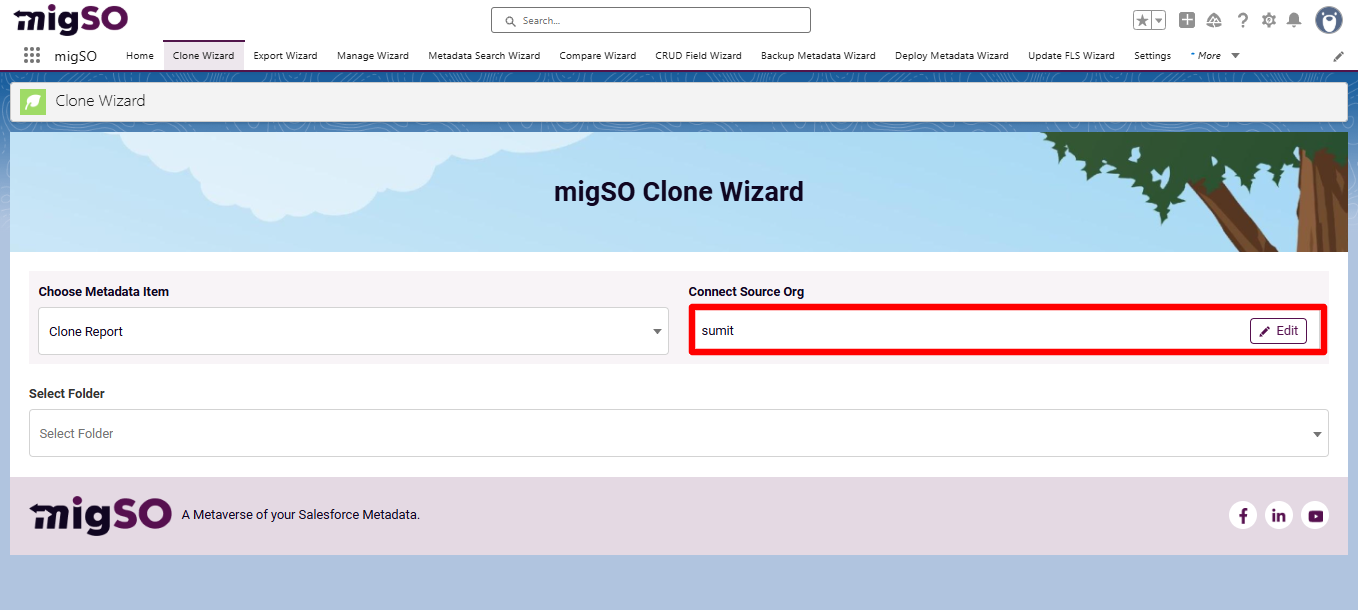
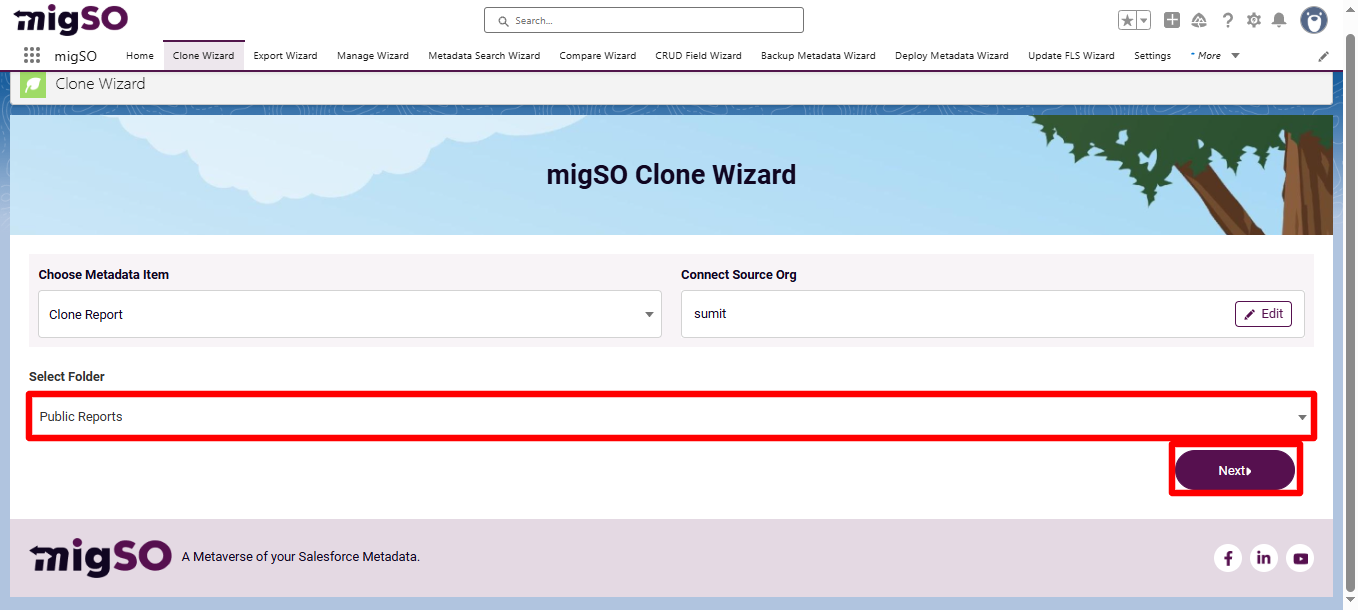
Select the required folder to fetch the reports to clone, then click Next.
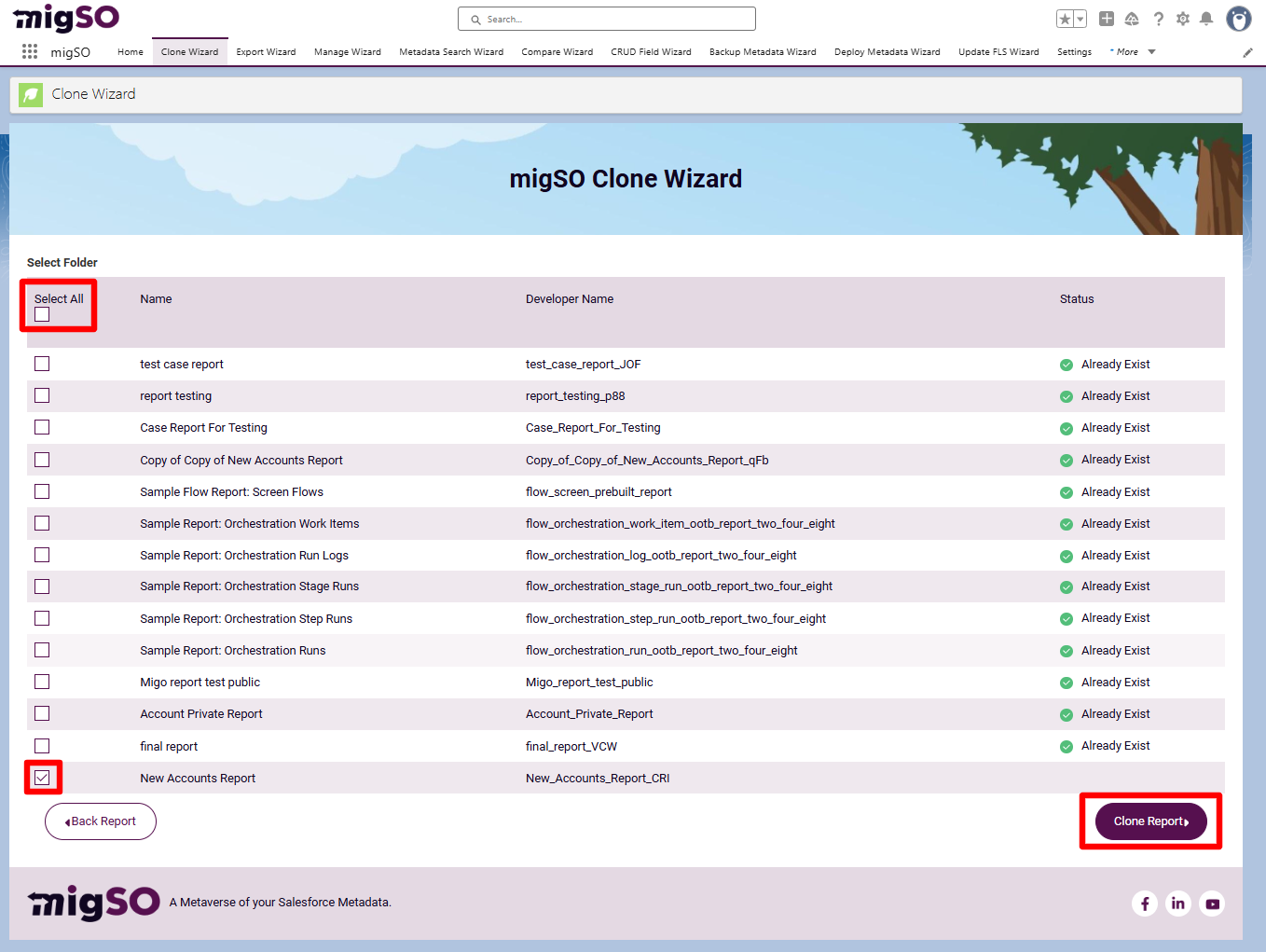
Select the reports to clone or click Select All, then click Clone Report.
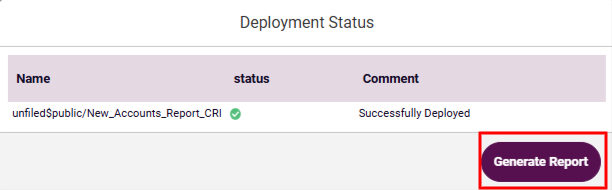
Review the deployment status and click Generate Report.
Review the deployment status, download the report, or restart the clone wizard.
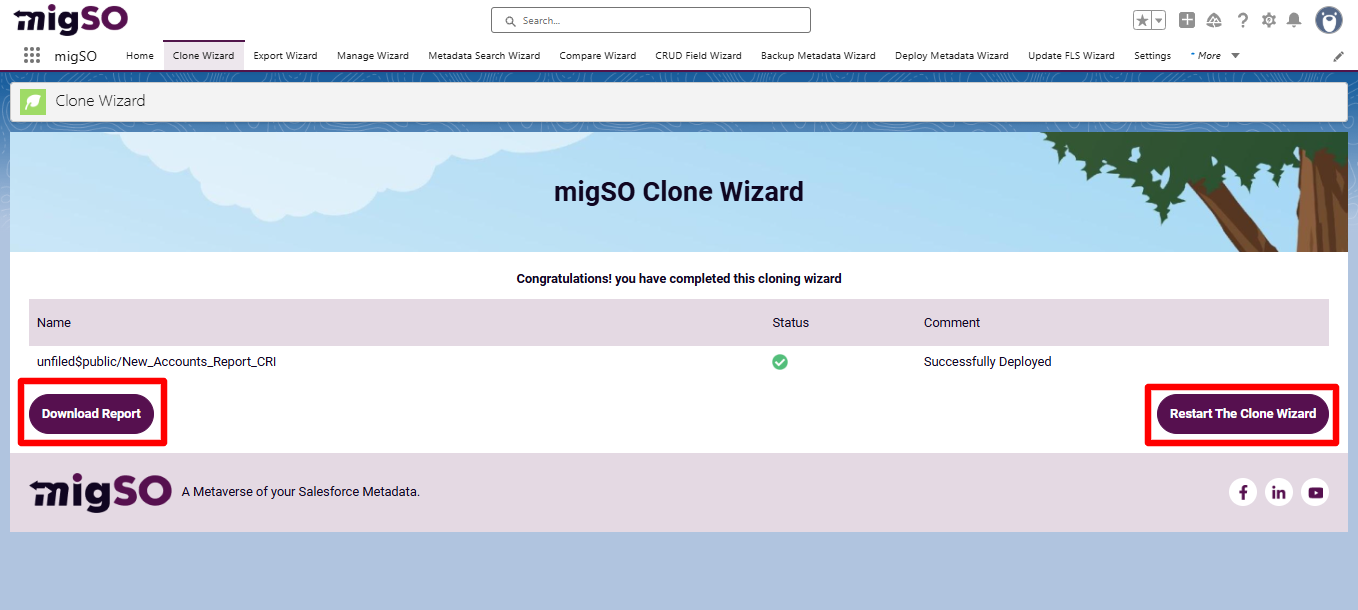
Note: Private Reports can not be cloned using migSO!
Woohoo! You have successfully cloned Salesforce reports from one org to another.
Verifying the Cloned Reports
Going through the Migration Wizard Logs
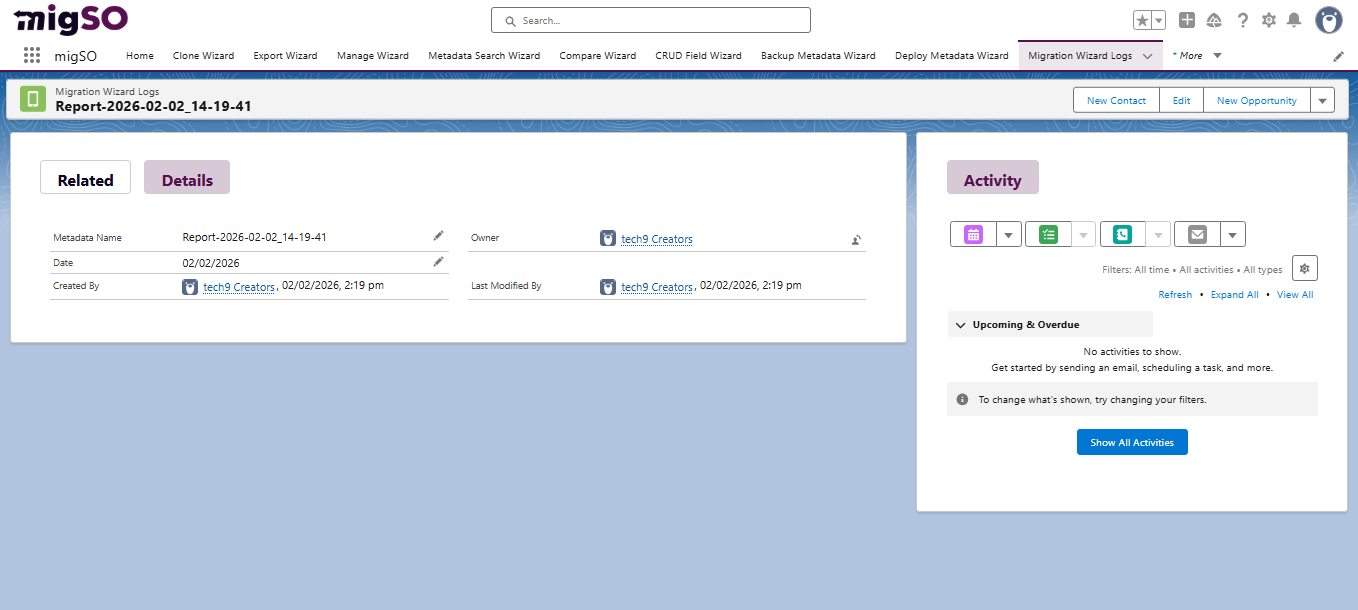
You can access the deployment history by moving to Migration Wizard Logs. You’ll find a list of all metadata operations executed in your org for the specified dates.
-
Click on the recently deployed Salesforce reports here.
-
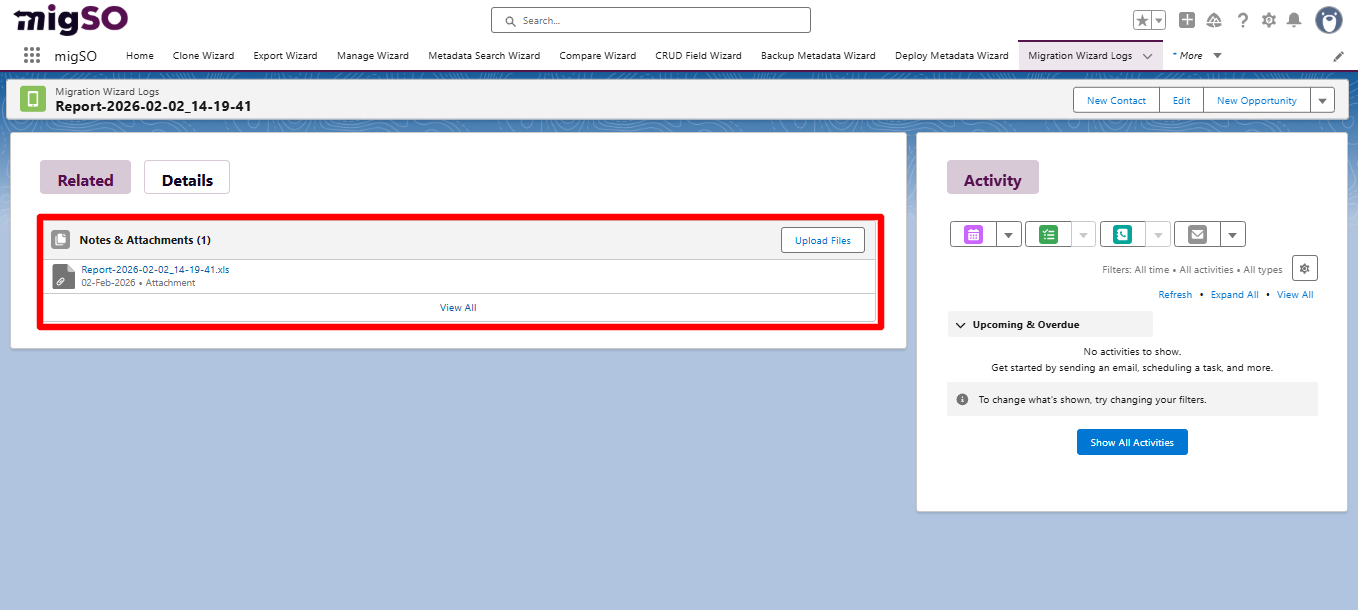
Here, you’ll get the details of the cloned reports.
To download the deployment report in Excel format, head to the Related tab and click on the file.
Conclusion
Cloning Salesforce Reports between their orgs can be a daunting task for Salesforce admins, as it involves manual recreation from scratch. migSO empowers you to seamlessly clone Salesforce Reports between your orgs, saving time and manual efforts while ensuring maximum productivity. Get ready to bring the best out of your Salesforce metadata with migSO!
Who Are We?
Tech9logy Creators is a Registered Salesforce Consulting and ISV Partner Company with over 12 years of experience. We have a certified team of developers with extensive knowledge of the Salesforce AppExchange and can provide you with best-in-class, personalized apps. Our dedicated Salesforce experts help you bring the best out of your CRM and ensure your business operates at its highest potential.
Contact us for more information.

Recent Post
migSO Guide