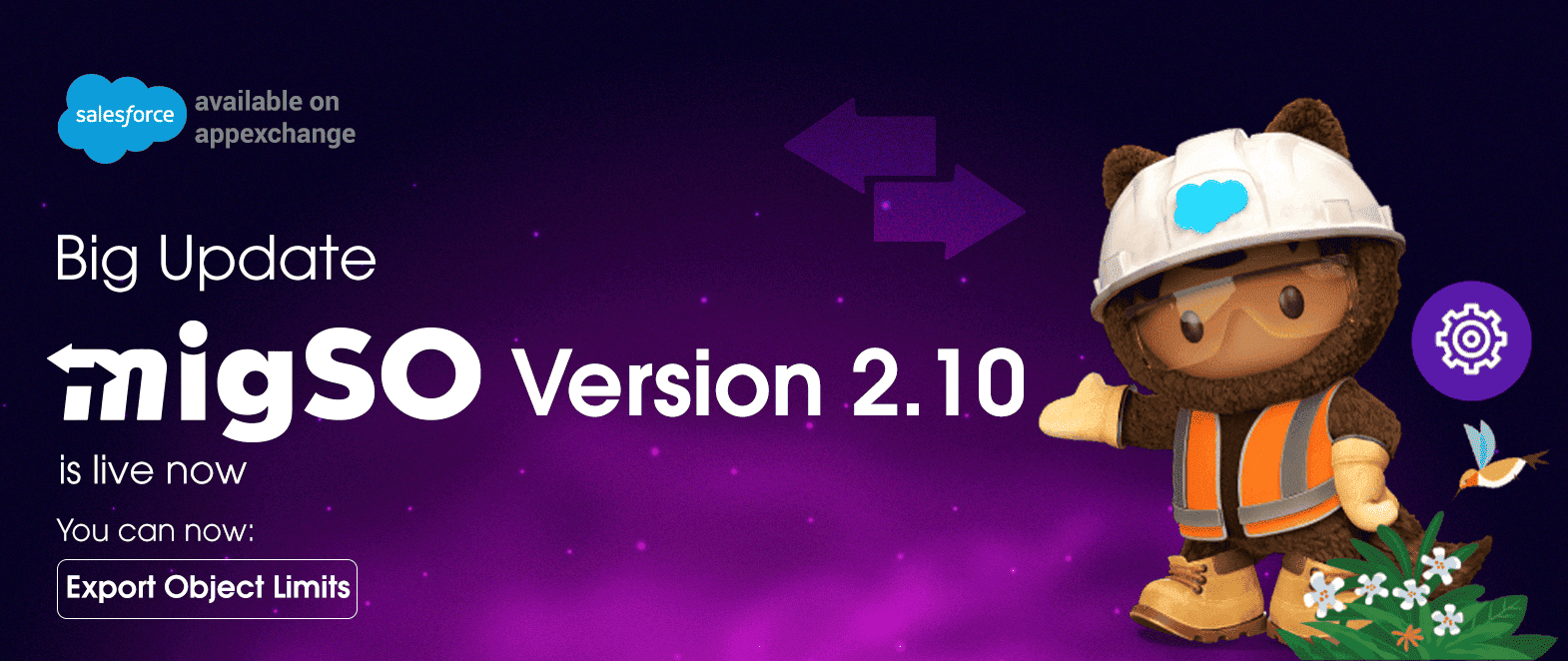
Great news for the migSO community! We have been working continuously to streamline your Salesforce metadata management journey, and in light of this, migSO has released the latest version 2.10.
This new version introduces a brand-new feature: “Bulk Export Object Limits.” This add-on feature will enable admins to enjoy greater visibility into Object configurations and improve metadata management.
Explore this blog to learn more about what migSO’s latest update has to offer.
What’s New in migSO Version 2.10 Update?
Bulk Export Object Limits
Bulk Exporting object limit is essential for admins as it allows them to evaluate resource consumption, identify approaching limits, maintain compliance, and proactively optimize org performance. However, Salesforce by default doesn’t allow bulk exporting object limits. migSO’s latest update introduces the Export Object Limits feature that eases this process. This feature empowers admins to seamlessly Export Object Limits across their org in a few seconds.
Concerned Steps: Exporting Salesforce Object Limits using migSO is simple!
All you need to do is-
- Step 1. Open migSO via App Launcher.
- Step 2. Select the Manage Wizard tab
- Step 3. Select the relevant icon – Export Object Limits.
- Step 4. The download will start automatically.
- Step 5. Click on Restart the Manage Wizard to export other metadata.
Conclusion
migSO version 2.10 is now officially live and brings one exciting feature Bulk Export Object Limits. This robust feature empowers admins to effortlessly monitor and export object limits, enabling smarter capacity planning and informed decision-making across Salesforce orgs.
Who are We?
Tech9logy Creators is a Registered Salesforce Consulting and ISV Partner Company with over 12 years of experience. We have a certified team of developers with extensive knowledge of Salesforce AppExchange who provide you with best-in-class, personalized apps. Our dedicated Salesforce experts help you bring the best out of your CRM and ensure your business operates at its highest potential.

Recent Post
migSO Guide
Metadata Backups Made Easy with migSO
Views: 48